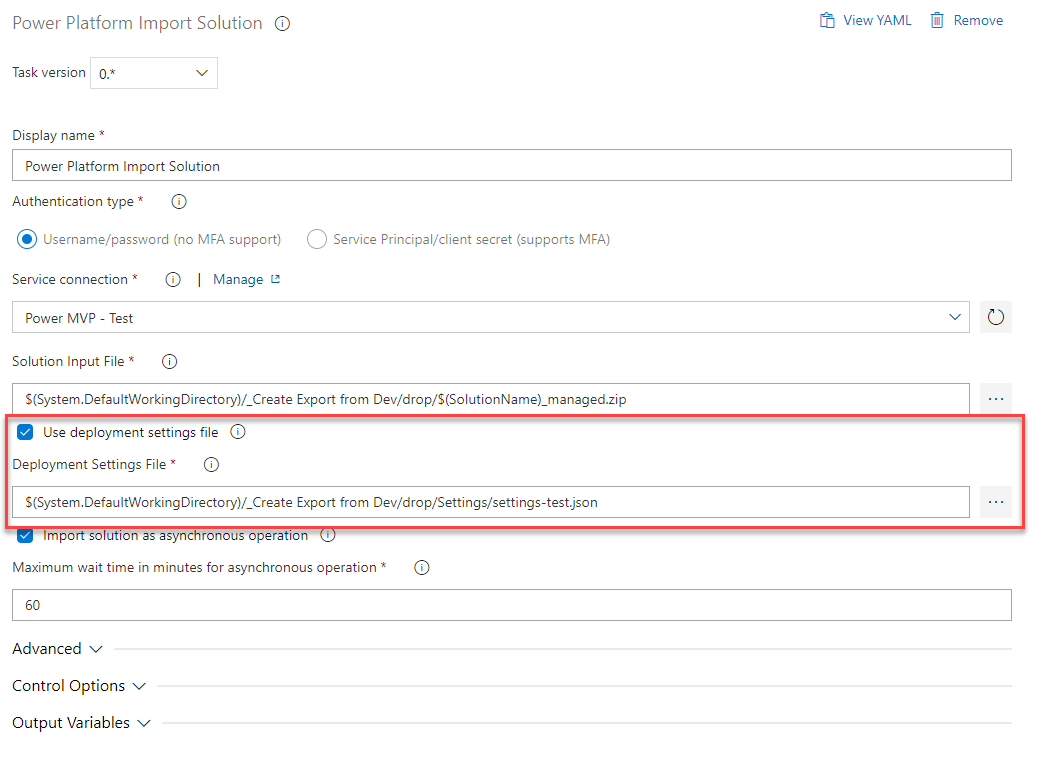
Set Connection References and Environment Variables in Pipelines
Since Microsoft has released both Connection References and Environment Variables the process of setting them in a Pipeline wasn’t very straightforward. Scott Durow (Twitter & LinkedIn) explained a possible solution to it in one of his blog posts (Connection References with ALM – Mind the Gap!). In this blog...
Read More 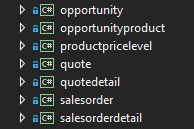
Spkl setup for multiple assemblies
In several of my previous posts (Add Sparkle XRM to a Webresources project or Deploying Web resources or Plugins with Azure DevOps Pipeline), I mentioned Sparkle XRM for webresource deployment. I am currently in a project where we have several plugin assemblies (as I described here), one per entity....
Read More 
App secret valid longer than 24 months
As you might know, it’s only possible to create app registrations secrets that are valid for a maximum of 24 months. At least in the Azure UI. The process of creating it in the UI I described in an earlier post. In this blog post, you will learn how...
Read More 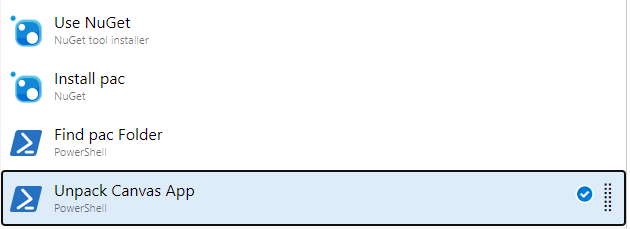
Execute Power Apps CLI in Azure DevOps
A few months ago I wrote a post about how to “Unpack Canvas Apps in a Pipeline“. The first function of the Power Apps CLI (PAC) was around PCF creation. Since then a lot was added to it and there is still more to come I do assume. Since...
Read More 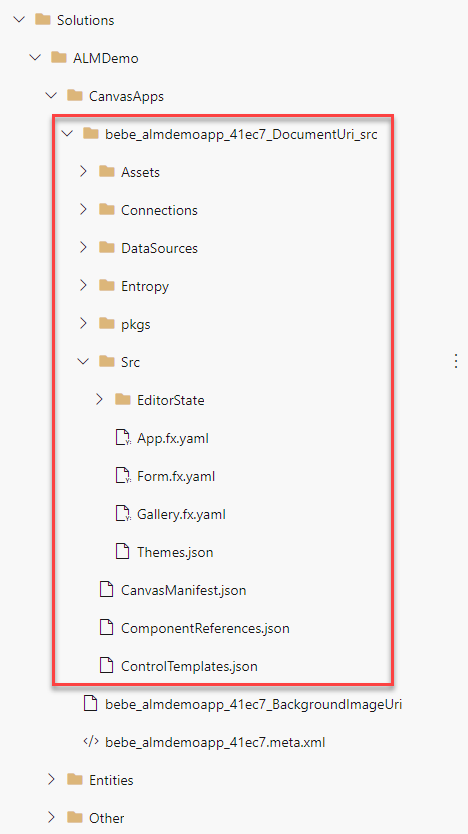
Unpack Canvas Apps in a Pipeline
In this blog post, we will learn how to unpack Canvas Apps in a pipeline to be able to see and track changes in our repository. The PASopa is now available directly from the Power Apps CLI (pac). I created a new blog post explaining this approach. Problem As...
Read More